.svg)


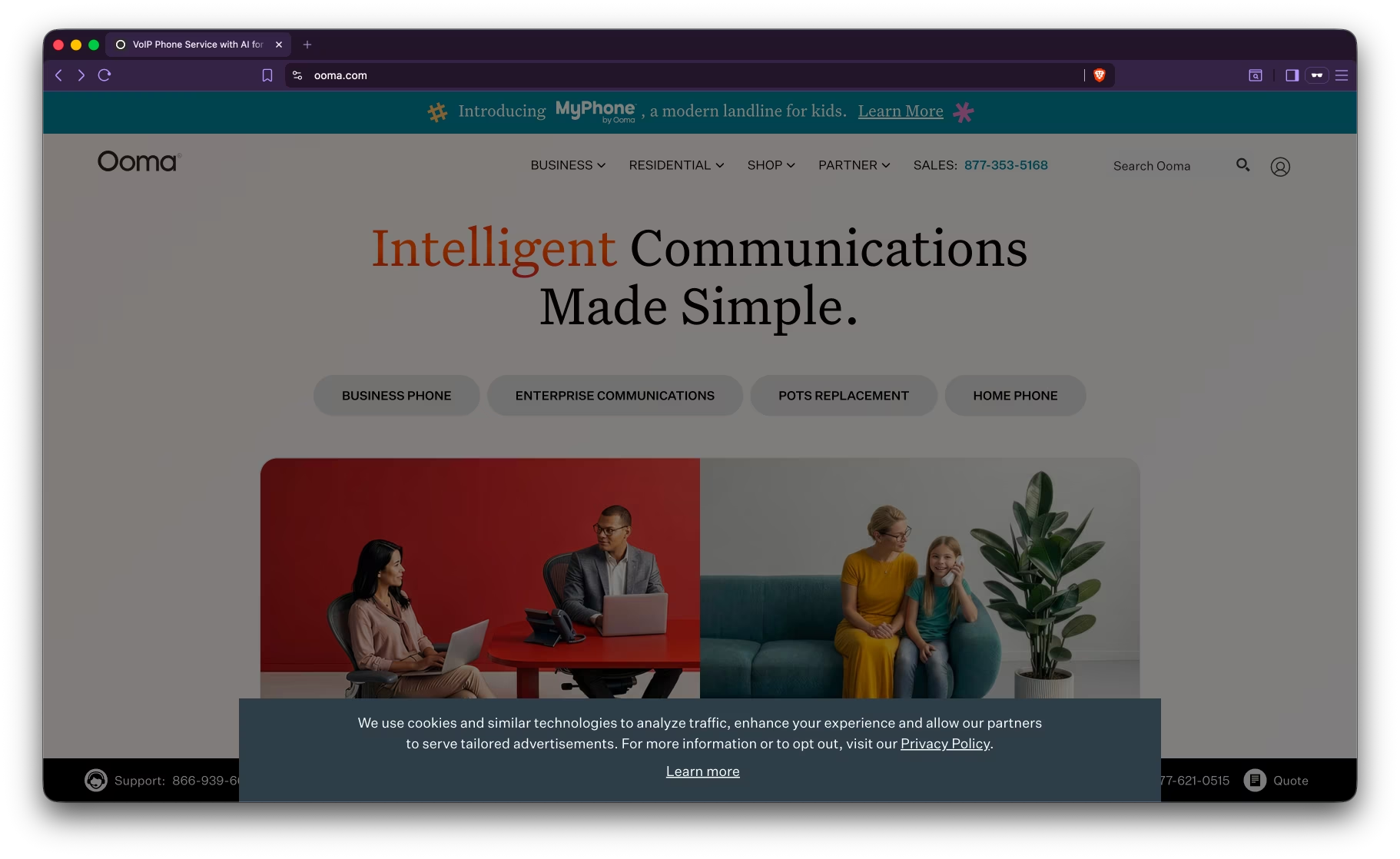
Ooma is a small-business VoIP phone system, and for a P&C insurance agency the honest verdict is that it’s affordable dial tone with a touch-tone menu - not call handling. This review covers what Ooma costs, what it integrates with, and where it fits. The short version: Ooma gives you reliable lines and a button-press auto-attendant, while an AI receptionist on top actually understands callers, qualifies them, and documents calls.
All facts below are sourced from Ooma’s public materials and publicly available information.
Key takeaways
- What it is: small-business VoIP phone system with a traditional touch-tone auto-attendant.
- Best for: small businesses needing a basic, affordable phone system with traditional routing.
- vs Sonant: complementary - Ooma is the phone system; Sonant is the AI that answers on it.
- Watch-outs: no AI on Office plans - the “virtual receptionist” is a touch-tone menu; minimal AMS connectivity.
- Bottom line: keep Ooma for the lines; add an AI receptionist to actually handle and document calls.
TL;DR
Ooma is a publicly traded VoIP phone company (NYSE: OOMA), founded in 2003. Ooma reports 1.2M+ users and $256.9M in annual revenue. Its Office product provides business phone service with unlimited US calling and a touch-tone virtual receptionist.
Best for: small businesses needing a basic, affordable VoIP phone system with traditional call routing.
Less of a fit for: agencies that want calls answered or qualified - Ooma is touch-tone infrastructure with no conversational AI.
Pricing: $19.95–$29.95/user/month (Office); Enterprise Call Center at $49.99/user/month.
Implementation: 15–20 minute self-service setup.
1. What is Ooma?
Ooma is an affordable small-business VoIP phone system with unlimited US calling, a touch-tone auto-attendant, and mobile/desktop apps, from $19.95/user/month. Its “virtual receptionist” is a button-press menu - it doesn’t understand natural language, answer questions, qualify leads, or book during calls, and Ooma offers no AI on its Office plans. It’s dial tone, not call handling.
2. Who uses Ooma?
Ooma’s public materials describe general small businesses across industries. Ooma reports 1.2M+ users. The typical user wants reliable, low-cost business phone service with basic routing - not insurance-specific answering, which would come from a layer on top.
3. How much does Ooma cost?
Ooma publishes transparent pricing - $19.95–$29.95/user/month for Office plans, with an Enterprise Call Center tier at $49.99/user/month. That low cost suits a small office. The price covers the phone system and a touch-tone menu; understanding callers and documenting calls require an AI layer Ooma doesn’t provide on Office plans.
4. Key features
- VoIP phone system ($19.95–$29.95/user/month)
- Traditional auto-attendant (touch-tone menus)
- Call recording (Pro plans)
- CRM integrations on Pro Plus (Salesforce, HubSpot, AgencyZoom)
- Mobile and desktop apps
- Voicemail transcription (Pro+)
- HIPAA mode available (Pro+)
Communication channels: voice, SMS (Pro+), video (Pro+), fax.
Conversation design: traditional IVR/auto-attendant (touch-tone menus, no conversational AI).
Insurance terminology handling: none (general-purpose phone system).
Feature breakdown
5. How long does it take to implement Ooma?
Ooma offers 15–20 minute self-service setup - fast for a small office. The quick part is the phone system; what it doesn’t do is understand callers or document calls, which an AI receptionist layered on top provides.
6. What does Ooma integrate with?
Ooma offers CRM integrations on its Pro Plus tier - Salesforce, HubSpot, and AgencyZoom. It does not list native connectors for Applied Epic, HawkSoft, EZLynx, or AMS360, so call data won’t post into your AMS automatically. See AI receptionists that integrate with HawkSoft and Applied Epic.
7. Compliance and security
Ooma offers a HIPAA mode on Pro plans but lists no confirmed SOC 2. For an agency handling client data, the absence of a published SOC 2 report is worth weighing against vendors that provide one - confirm directly.
8. Pros and cons for insurance buyers
Pros:
- Cheap and simple - solid small-business VoIP from about $20/user/month.
- Fast self-setup (15–20 minutes).
- Basics covered - routing, recording, and voicemail transcription on Pro tiers.
- AgencyZoom CRM integration on Pro Plus.
Cons / where it may fall short for retail P&C agencies:
- No AI on Office plans - the “virtual receptionist” is a touch-tone menu, not natural-language answering.
- Minimal AMS connectivity and no confirmed SOC 2.
9. When Ooma fits an insurance buyer
Ooma fits a small office that just needs reliable, low-cost dial tone and a basic menu. If your phone needs are simple and budget is the priority - and you’re treating real call handling as a separate layer - it’s a fine backbone.
10. Where Ooma leaves a gap for retail insurance agencies
Ooma gives you dial tone and a touch-tone menu - it doesn’t understand callers, answer questions, qualify leads, or book during calls. Run it as the phone system and put an AI receptionist on top to actually handle the calls. Sonant™ AI answers in natural language and writes calls into your AMS. See Sonant vs Ooma and voicemail vs AI receptionist.
Verdict
Ooma is a fine, low-cost phone system for a small office that just needs reliable dial tone and a basic menu. What it isn’t is call handling - no AI on Office plans, no qualification, and minimal AMS connectivity. Run Ooma (or any VoIP) as the lines and put an insurance-trained AI receptionist on top to answer and document the calls.
Related reading
- Sonant™ vs Ooma alternative
- Best Voice AI Insurance Vendors
- AI Receptionists for Insurance Agencies: Buyer’s Guide
- 100 AI Tools for Insurance Agencies (2026 Guide)
Disclaimer
Ooma is a trademark of its respective owner. Sonant™ is not affiliated with or endorsed by the owner of Ooma. This review was created using publicly available information about Ooma and Ooma’s public materials. We encourage readers to visit the official Ooma website for the most current product information. Last verified: 2026-06-15.






.svg)


.svg)


