.svg)


The best AI receptionist answers on the first ring, works out who's calling and why, opens their record in the system your team already works in, and finishes the request or hands it to the right person with the details already captured.
Most products in this market do the first half of that and stop. They pick up, they sound natural, they take a message, and somebody on your team still has to open the file, type the note, and chase the follow-up. That gap never shows on a pricing page and it's obvious by the second week of use, which is why plenty of agencies are shopping for a replacement rather than a first tool.
This guide compares 10 tools across the six categories they belong to, with published pricing where it exists, what each one does once a real call arrives, and the checklist that separates a working deployment from a tool that only takes messages.
Key Takeaways (TL;DR)
- The best overall AI receptionist: Sonant is the fit for independent property and casualty (P&C) insurance agencies, because it arrives already knowing the vocabulary and reads the caller's record in your agency management system (AMS) mid-call instead of taking a message. A 200-branch US network cut manual call routing by 90%, and a Saskatchewan brokerage lifted staff productivity 43% as the team moved from 70 to 100 tasks a day.
- Why you need it: Calls that ring out don't leave a trace, so the cost never shows up on an invoice. An AI receptionist absorbs the routine traffic that keeps producers and customer service representatives (CSRs) off revenue work, and turns the after-hours window into captured quotes rather than voicemails.
- Who it's for: Agencies of 15 people and up where the general line rings across desks, operations leaders routing callers to assigned CSRs, and any team whose commercial prospects can only call outside business hours.
- How to choose the right one: Pick the category before the vendor, because the six groups in this market behave differently under load. Then confirm whether the tool reads your client record live or only writes a transcript to it, and price it against your real monthly call count rather than the headline plan.
- Expected price: Sonant charges a predictable partner rate per agency with onboarding, configuration, and support included, so a renewal peak doesn't change the invoice. Across the rest of this list, published entry pricing runs from $39 a month for a phone-system add-on to $2,100 a month on per-call billing, up to a $30,000 annual floor for an enterprise voice build.
Best AI Receptionist Software in 2026 at a Glance
Every "Best For" cell below leads with the category the tool belongs to, because buyers pick a category before they pick a vendor and the category decides more than the feature list does. The full reviews follow underneath.
All prices are in US dollars as published by each vendor in August 2026. CloudTalk publishes its seat prices in euros, so those figures are converted at 1.17 US dollars to the euro as of August 2026 and marked as approximate; its AI tiers are published in US dollars and are quoted as published. Confirm current rates directly before you sign anything. Figures should be re-verified by February 2027.
How We Chose the 10 Best AI Receptionists
Evaluating this category is different from buying a phone system, because the monthly price tells you almost nothing about what happens when a client calls about a renewal.
You have to look at "account-based routing", meaning whether the tool can look up who owns that client before deciding where the call goes, and "warm transfer with context", meaning whether the conversation and the record travel with the caller when a human picks up.
We started from more than 40 products that surface in AI receptionist searches, vendor directories, and buyer communities, then shortlisted 10 using a weighted scoring system.
- System integration and routing (25%): Whether the tool reads the caller's record live during the conversation, whether the outcome lands in your system as a structured record afterwards, and whether the call reaches the person who owns that account.
- Call resolution versus message capture (20%): Whether the tool verifies the caller, completes the request, and routes it, measured against each vendor's own published call flow and against named customer case studies carrying real numbers.
- Onboarding, time to value, and support after go-live (20%): How many days until it answers a live call, how much scripting or knowledge-building it hands back to you, and whether onboarding, configuration, and ongoing support are included or billed separately.
- Domain fluency and product roadmap (15%): Whether the product ships knowing your industry's vocabulary and workflows, or arrives as a blank canvas you fill in, and whether your workflows are what the roadmap serves.
- True cost at real call volume (10%): We read each vendor's own rate card, including per-user, per-minute, per-call, and per-caller charges, then modelled it against 1,000 inbound calls a month.
- Security and compliance evidence (10%): Whether SOC 2, GDPR posture, encryption, and retention documentation are published rather than promised on a sales call.
Vendor-reported metrics are labelled as such throughout. Where a company publishes a containment or resolution rate with no independent verification, we've said so rather than treating it as measured.
What Is an AI Receptionist?
An AI receptionist is a voice agent that answers your inbound calls, identifies the caller, works out why they're calling, and either completes the request or hands it to the right person with the details already captured.
The better ones then write the call back into your system of record as a structured note or task, which is the part that decides whether your team starts the morning with a work queue or a voicemail queue.
So how does an AI receptionist work once the phone rings? Sonant publishes its call flow in four stages, and the pattern holds across the serious products in this category.
- Ring: The call is picked up immediately with no queue and no hold music, and concurrency means 12 callers at 9am are all answered at once rather than sequentially.
- Verify: The caller is matched by phone number and confirmed by a second factor such as date of birth or ZIP code before any account detail is discussed.
- Handle: The agent answers the question, takes the intake, texts a payment or quote link, books the appointment, or transfers to a person with the conversation attached.
- Log: A structured note and call summary are written to the caller's record, and any follow-up task is created and routed to whoever owns the account.
Stage four is where most of this market stops short. A tool that skips it sits closer to an interactive voice response menu than to a receptionist, and the AI receptionist vs IVR distinction is where buyers get caught out, because the work still lands on a human to type up afterwards.
The Six Categories of AI Receptionist, and Why the Category Matters More Than the Vendor
Products in this market fall into six groups that behave differently once real call volume arrives. Getting the group right narrows the shortlist faster than any feature comparison, because the group decides what the tool can reach.
The line that separates the vertical group from the other five is simple. Only the vertical products arrive knowing your industry, and among them only a few read the client record live *and* write a routed task back. The rest answer the phone well and hand the follow-up work back to your team.
Why Do You Need an AI Receptionist?
Because the calls your team can't get to don't leave a trace, so the cost never appears on an invoice. A caller who can't get through doesn't complain, and a voicemail left at 7pm converts at a fraction of the rate of a conversation. The damage shows up in three places instead.
- Lost new business: Calls that ring out are the highest-intent leads you get, and they go to whoever answers next. Working out the real cost of missed calls against your own headcount usually settles the business case faster than a feature comparison does.
- Revenue work that never happens: Owners describe it as too many calls and not enough time for revenue work. Producers and CSRs spend the day on calls they aren't needed on, so quoting, account rounding, and renewal conversations queue behind the phone. Michelle O'Connor, president of an 11-person North Carolina agency, described it as her team not being able to focus on consultations because they were always picking up the phone just to transfer calls.
- Documentation gaps: Details that stay in someone's head instead of the client's file become a hole in the record, and the hole only matters on the day it matters a lot.
Agencies know the gap is there and most haven't closed it. So the question to ask isn’t how many calls arrive after 6pm, but what one of them is worth. Work it through with a 12% commission assumption, which sits inside the range Sonant sets out on insurance agent commission, and a personal auto and home bundle at roughly $1,800 in annual premium is worth about $216 a year.
An owner-operator trucking account is a different order of magnitude, and AtoB reports that owner operators with independent authority pay between $9,000 and $17,000 per year for commercial truck insurance, which on the same assumption is roughly $1,080 to $2,040 a year, and it renews.
There's a second reason that argument lands hardest on small commercials. Truckers and contractors can't call during business hours, because that's when they're driving or on a site. An agency answering only nine to five is closed for the entire window its best commercial prospects are free to call.
Hiring is the obvious alternative and it's harder than it looks. Take Libardi Service Agency, a 14-person team across New York and South Carolina, put entry-level receptionist hiring at $70,000 to $140,000 a year before it deployed AI instead. Running the numbers on hiring an in-house CSR against 24/7 coverage is worth doing before you post the job.
Client appetite is further along than most owners assume, with one honest caveat. Sonant's Insurance AI Report, a March 2026 SurveyMonkey survey of more than 1,000 US consumers, found 64.6% willing to use AI when it's available outside of business hours and 61.2% comfortable with voice AI assistants.
The same survey found 68.4% hold concerns about using a voice AI assistant in insurance, so treat it as direction and judge the handling on your own recordings.
Who Needs an AI Receptionist?
Not every agency needs one. The pattern that predicts a fast payback is steady inbound volume, a service team already at capacity, and an owner who has started asking how to deliver 24/7 service without 24/7 staff. These five profiles hit it first.
Agencies With No Dedicated Receptionist
Agencies of 15 people and up where nobody owns the phones have the general line ringing across every desk, so each call interrupts three people and gets answered by whoever minds least. Owners describe peak call times at lunch and end of day as complete chaos.
What these teams need is concurrency and triage rather than another handset, because the problem is simultaneity and not effort.
Operations Leaders Routing Callers to Assigned CSRs
If your book is split by assigned CSR, by line, or by alpha split with exceptions, callers can't reliably name the person they need, so somebody triages manually all day.
Owners in this position usually hand the evaluation to an operations leader, who will judge every tool on one thing, which is whether it looks up who owns the account and routes by ownership rather than by menu selection. A static list can't do it, because the list is out of date the week after you build it.
Agencies Losing the After-Hours Commercial Window
Small commercial prospects call when their working day ends, and that call is worth eight to ten times a personal line household over five years.
An agency that sends those callers to voicemail is competing for them against every agency that answers. This is also the lowest-risk way in, since the alternative you're replacing is voicemail rather than a person.
Agencies Replacing a Receptionist Who Is Leaving
When the person who answers the phones retires, gets licensed, or moves on, coverage becomes hostage to a hiring cycle that takes months and then repeats.
Firefly Network hit exactly this when its longtime receptionist retired across a 200-branch operation. Teams in this position need coverage live in weeks, and they usually find the replacement is an upgrade because calls now arrive documented.
Multi-Location Groups Standardizing How Calls Are Handled
Groups that grew by acquisition inherit a different phone setup at every office and no consistent way to compare answer rates across them.
That shape of buyer needs one handling standard rather than 20 local workarounds, and usually carries an IT or security gatekeeper, so published compliance documentation matters more than a polished demo.
Best AI Receptionist Software: In-Depth Review and Comparison
Each entry covers who the product fits, what it does once a call arrives, published pricing, and where it stops being the right choice. Vendors are ordered by how they scored against the six criteria for an agency buyer, which is why several capable products sit lower despite being strong at what they do.
1. Sonant™
Overview
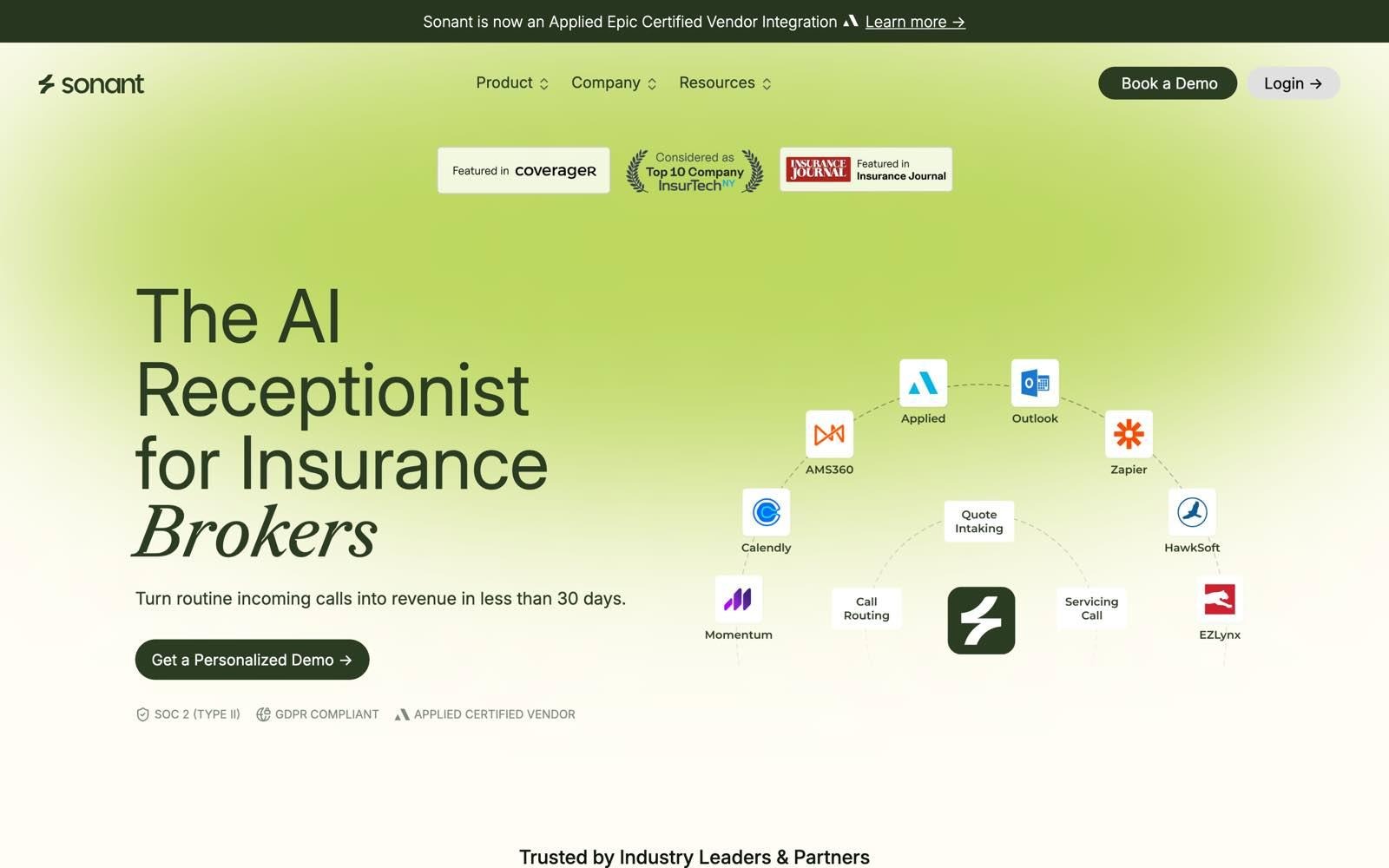
Sonant is the AI receptionist built for P&C insurance distribution, covering one industry end to end rather than spreading across many. Its insurance call answering agent picks up on the first ring, verifies the caller by phone match plus date of birth or ZIP, reads their record in your AMS while the call is live, takes the quote or service intake, and writes a structured activity back to the correct account before your team opens it.
The problem it exists to fix is narrow and expensive. In most independent agencies the phone rings out to everyone, producers lose selling hours to routine traffic, and nothing from the call reaches the AMS unless somebody types it. Horizontal voice AI arrives without insurance knowledge and without a connection to the record, and answering services are built to take a message rather than finish the request.
Ideal For
- Independent P&C agencies of 15 people and up with no dedicated receptionist
- Operations leaders routing callers to assigned CSRs or line-specific teams
- Agencies whose small commercial prospects call outside business hours
- Multi-location groups standardizing answer rates across offices
- Agencies fielding calls in more than one language, including Spanish and Portuguese
Top Features
- Live AMS read and structured write-back: Sonant opens the caller's record during the conversation, so a renewal date or coverage question is answered at 9pm rather than promised as a callback, then writes the activity and summary back afterwards. The native system integrations are API-level and two-way across AMS360, Applied Epic, EZLynx, HawkSoft, Momentum AMP, and QQCatalyst.
- Caller verification before disclosure: Identity is confirmed by phone match plus a second factor before any policy detail is shared, which is the step generic AI answering skips entirely.
- Account-based routing: Calls route by who owns the client in the AMS rather than by a menu choice, which is the workflow static rules can't reproduce once your book has exceptions in it.
- Warm transfer with context: Calls hand off with the conversation and the record attached, the transfer is calendar and out-of-office aware, and past-call memory means a returning caller doesn't start over.
- Mid-call texting: Sonant can text a payment or quote link while the caller is still on the line, so the request finishes during the call instead of becoming a follow-up task.
- Multilingual handling with mid-call switching: Sonant answers in English, Spanish, and Portuguese, among others and switches language mid-conversation, so a book whose clients don't all speak English isn't held to a bilingual script.
Why We Stand Out?
Sonant already knows P&C, so there's no script to build and no blank canvas to fill in, and agencies typically go live in under 30 days with onboarding, configuration, and support included.
The mechanism that separates it from message capture is triage, and the published proof is specific about size. Firefly Network, a US network of 200-plus independent branches running EZLynx across 70,000-plus customer records, cut manual routing by 90%, taking monthly transfers from roughly 200 down to 20 while handling more than 2,000 calls in the first month after its receptionist retired.
Cornerstone Insurance, a Saskatchewan brokerage, measured a 43% staff productivity gain as its team moved from 70 to 100 tasks a day after Sonant started triaging phone traffic into Applied Epic activities.
O'Connor Insurance, an 11-person North Carolina agency fielding 700-plus monthly calls, reported 8X return on investment (ROI) on monthly spend and 58-plus hours freed each month inside the first 30 days, alongside better than 90% call handling accuracy.
Security documentation is published rather than described, with SOC 2 Type II and GDPR compliance, TLS in transit, and AES-256 at rest set out on the trust and security page.
Pros
- Reads the client record live and writes a routed activity back, so requests are completed rather than logged
- Routes by account ownership, which is the workflow mid-sized agencies ask for most and menus can't do
- Arrives knowing P&C vocabulary and compliance guardrails, so there's no scripting handed back to your team
- Published US and Canadian agency results, including Firefly's 90% routing reduction and O'Connor's 8X ROI
- Flat partner rate, so a renewal peak or a storm week doesn't change the invoice
- Multilingual on live calls with mid-conversation switching, not a separate Spanish line
Cons
- Built for the phones and for P&C insurance distribution only, so an agency whose measurable problem is back-office document work, or a business outside insurance, should shortlist elsewhere on this list
- Built for full-time coverage on real call volume, so a team under 5 staff, or one that only ever wants basic after-hours message capture, is paying for more than it needs
- No public rate card, so a price-first buyer needs a demo before comparing cost, and agencies on an AMS outside the published six should confirm the integration path directly
Pricing
Sonant charges a predictable partner rate per agency rather than per minute or per call, and states plainly that a heavy call day doesn't cost more than a light one. Onboarding, configuration, and support are included, and there's no scripting work handed back to your team.
You need a demo to get a number, which is the trade-off for pricing built around your operation instead of a minute bundle. Most agencies start on a narrow scope, usually overflow and after hours, and widen once they've reviewed a month of their own recordings.
Final Verdict
For an independent P&C agency where the general line is the bottleneck, Sonant is the fit, because it treats an inbound call the way a good CSR would by verifying the caller, opening the file, capturing the request properly, and putting it in front of the person who owns the account.
The published case studies span an 11-person agency and a 200-branch network, which is a wider band of evidence than anything else on this list offers.
2. Liberate™

Overview
Liberate builds AI agents for insurance operations, handling customer interactions across voice, SMS, email, and digital channels. Its clearest strength is claims, with agents that take an FNOL end to end and manage the workflow behind it rather than passing a message to a claims handler.
The company sells to three segments, which are carriers, agencies and brokers, and third-party administrators (TPAs), managing general agents (MGAs), and business process outsourcers (BPOs). That breadth is the thing to weigh, because a product built to satisfy carrier claims volume is solving a different problem from a general line at an office of an insurance agency.
Ideal For
- Insurance carriers automating claims and service calls
- TPAs and MGAs with high inbound volume
- Large agency groups where claims and FNOL traffic dominate the phone
- Organizations that need voice, SMS, and email handled by one vendor
- Buyers with a security review that requires HIPAA and PCI DSS documentation
Top Features
- End-to-end claims handling: Liberate's agents take the loss report and drive the downstream workflow, which is a meaningfully harder job than answering and routing.
- Multi-channel coverage: Voice, SMS, email, and digital channels run through the same agent layer, so a caller who switches channel isn't starting over.
- Published compliance posture: SOC 2, HIPAA, and PCI DSS badges sit on the homepage, which shortens the security review for regulated buyers.
- Workflow automation behind the call: The agents update systems, generate leads, and manage policies and claims rather than only capturing intent.
Why They Stand Out?
Liberate fits insurer-side claims automation, and the resolution figure it publishes is high for this category at 80% of customer calls resolved, though that number is vendor-reported rather than independently audited.
It's well funded, it works with recognizable insurance names, and the multi-channel coverage means a claims conversation can start on the phone and finish over SMS.
Pros
- Deep on claims and FNOL, which is the hardest insurance voice workflow to automate
- One vendor across voice, SMS, email, and digital channels
- SOC 2, HIPAA, and PCI DSS documentation published on the site
- Backed by well-known investors, with enterprise references
- Insurance-native, so the vocabulary isn't something you configure
Cons
- Carrier-first by design, so agency workflows like account-based routing aren't the product's centre of gravity
- No pricing published anywhere, and no self-serve entry point
- The site names no specific agency management systems among its integrations, so an agency has to confirm the connection in a scoping call
- Deployment is consultative rather than out of the box, which lengthens time to value
- Scoped and priced for large organizations, so a mid-sized agency will usually find the commitment out of range
Pricing
Liberate publishes no pricing and no plan structure. Deals are scoped by organization size and workflow complexity, and buyers are directed to request a demo. Sonant publishes a side-by-side Liberate comparison if you're weighing the two vertical options.
Treat the absence of a rate card as a signal about deal size rather than an oversight, and expect a scoping exercise before you see a number. If published pricing is a shortlist requirement for you, that's an early filter.
Final Verdict
Liberate is the recommendation when claims volume is your phone problem and you're buying at insurer scale, because end-to-end FNOL handling is hard and few vendors do it well. For a retail agency whose problem is a general line that rings across desks, the fit is weaker, since the routing and servicing workflows an agency lives on aren't what the roadmap is built around.
3. RingCentral™ AI Receptionist
Overview
RingCentral AI Receptionist is an AI answering layer for the RingCentral phone system, aimed at teams that want calls answered without changing providers. It handles FAQs, texts, appointment scheduling, and lead capture, and it routes by name, location, or keyword instead of by a numbered menu.
The setup is deliberately light. You point it at your website, your FAQ page, or uploaded documents, and it builds its knowledge from that, which means no IT project and also no knowledge it didn't read off your marketing pages.
Ideal For
- Teams already paying for RingEX that want AI answering without a migration
- Small offices replacing a phone tree with natural-language answering
- Businesses with straightforward, publicly documented FAQs
- Buyers who want a published price and a free trial before committing
- Multi-location businesses routing by location name
Top Features
- Natural-language routing: Callers say what they want instead of pressing numbers, and the agent routes by names, locations, and keywords.
- Knowledge from your own pages: The agent is configured from your website, FAQs, or uploaded documents, so a non-technical owner can stand it up in an afternoon.
- Lead sync to customer relationship management (CRM) tools: Captured lead data syncs to Salesforce, HubSpot, and Zoho automatically.
- 14-day free trial: Both the add-on and standalone plans can be tested before purchase, which is rare in this category.
Why They Stand Out?
RingCentral suits teams already running RingEX, because the entry cost is the lowest published on this list and there's no migration to schedule.
It's also transparent about the meter in a way several rivals aren't, publishing both the included minutes and the overage rate. Where it lands against a vertical product is set out in this RingCentral comparison.
Pros
- Lowest published entry price here at $39 a month as an add-on
- No phone system migration for existing RingCentral customers
- Published overage rate, so the cost curve is at least forecastable
- Natural-language answering that removes the phone tree
- Free trial on both plan types
Cons
- No lookup into a client record, so it answers from the knowledge you give it rather than from the caller's account
- The knowledge base is yours to build and maintain, with no industry vocabulary out of the box
- 100 included minutes covers a low call volume, so most businesses will be buying overage
- Overage at $0.50 a minute billed in 30-second increments rounds up, so the effective rate is higher than the headline
- The $39 rate assumes you already pay for RingEX, so standalone buyers start at $49
Pricing
RingCentral publishes AI Receptionist at $39 a month as an add-on to RingEX and $49 a month standalone, each including 100 minutes, with usage beyond that billed at $0.50 per minute in 30-second increments.
That entry price is attached to a small bundle, and the gap matters. At 1,000 calls a month averaging three minutes, you'd use roughly 3,000 minutes, so 2,900 minutes of coverage at $0.50 adds about $1,450 to a $39 line item. Both plans come with a 14-day free trial.
Final Verdict
RingCentral AI Receptionist is the right call for a small team already on RingEX whose callers ask a predictable set of questions that are already answered on the website.
It's a weaker fit the moment a caller needs something specific to their account, because the agent has no way to look it up, and the minute bundle turns a cheap line item into an unpredictable one at volume.
4. CloudTalk™
Overview
CloudTalk is a cloud phone system with AI answering sold as separate tiers on top of the seats. It's aimed at sales and support teams that want call handling, analytics, and integrations in one place, with the AI layer as an addition rather than the reason to buy.
That structure is the thing to understand before you price it. You're buying a phone system first and an AI receptionist second, so the AI tier sits on top of a per-user bill rather than replacing it.
Ideal For
- Teams replacing a phone system and adding AI answering in the same project
- Sales and support teams that want call analytics and recording as standard
- Businesses that need a large library of ready-made integrations
- Buyers who want every price published before a sales call
- International teams needing local numbers across many countries
Top Features
- Full phone system included: Call recording, analytics, and routing come with the seats rather than as separate purchases.
- Two AI tiers: An AI Receptionist tier for basic answering and an AI Specialist tier for higher volume, so you can start small.
- 300 plus integrations: A deep connector library covering mainstream CRM and helpdesk tools.
- Published rate card: Seat prices and both AI tier prices sit on the pricing page rather than behind a sales call.
Why They Stand Out?
CloudTalk is one of the more transparent vendors in this market, publishing per-user prices and both AI tier prices where several rivals publish nothing. For a team that needs the phone system anyway, buying both from one vendor removes an integration and a bill.
Pros
- Seat prices and both AI tier prices published up front
- Phone system and AI answering from one vendor
- Two AI tiers, so the entry commitment is small
- Large connector library with mainstream business tools
- Strong review base for the underlying phone system
Cons
- Costs stack, since the AI tier is charged on top of per-user seat pricing
- The AI reads your CRM rather than an industry system of record
- No domain vocabulary, so the agent knows only what you configure
- The Expert plan requires a minimum of three users
- The pricing page renders a different currency depending on where you open it, so check the currency selector before you budget
Pricing
CloudTalk seats run about $29, $34, and $57 per user a month billed annually, with monthly billing costing more and an entry tier of about $22 below them. T
he AI Receptionist tier is published at $99 a month and the AI Specialist tier at $349 a month with 1,000 minutes included, and above those tiers CloudTalk says volume discounts are available rather than publishing a rate.
Note that the published tiers stop at 1,000 minutes, so a business running 3,000 minutes a month lands in a custom quote rather than on the rate card.
Final Verdict
CloudTalk suits a team that's buying a phone system anyway and wants an AI answering layer from the same vendor, with the reassurance that every price is published.
It's a weaker fit when the AI layer is the actual reason you're shopping, since the agent reaches your CRM rather than an industry system of record and works from the knowledge you configure.
5. Goodcall™
Overview
Goodcall is a generic AI receptionist for small and mid-sized businesses, answering calls, capturing leads, booking appointments, and reporting on what callers asked for. It names salons, schools, and business process outsourcing among its sectors, and sells to everything from single locations to enterprise.
Its pricing model is the most distinctive thing about it. Minutes are unlimited, and the meter runs on unique callers instead, which changes which businesses it suits.
Ideal For
- Service businesses with long calls but a predictable number of distinct customers
- Franchises and multi-location operators needing a local area code per site
- Teams that want unlimited call length without watching a minute counter
- Businesses whose scheduling lives in Google Calendar and Google Sheets
- Owners who want a published price and a self-serve start
Top Features
- Unlimited minutes and tokens on every plan: Long calls don't cost more, which is unusual in this market.
- Logic flows: Configurable branching for how different call types are handled, scaling from one flow on Starter to 25 on Scale.
- Team directory routing: A contact directory the agent routes against, up to 500 contacts on the top plan.
- Google-first integrations: Google Sheets, calendar, and Google Business listing connections, plus Zapier for everything else.
Why They Stand Out?
Goodcall suits businesses with long calls and a stable customer base, because unlimited minutes remove the single most common source of bill shock in this category. It's also operating at real scale, publishing more than 42,000 businesses using it and over 60 million voice agent interactions.
Pros
- Unlimited minutes on every plan, so call length never affects the bill
- Published, self-serve pricing with a 15% annual discount
- Local area codes across 306 markets for multi-location businesses
- Logic flows give more call-handling control than most tools at this price
- Large deployed base, so the product is well exercised
Cons
- Billed by unique customers rather than by minutes, at 100, 250, or 500 a month, with $0.50 for each one beyond
- Priced per agent, so multiple locations or departments multiply the bill
- Starter retains call and customer detail for only 7 days
- No industry vocabulary, so the agent knows only what you configure
- Integration depth covers Zapier and Google tools, with no published integration into an industry system of record
Pricing
Goodcall publishes Starter at $79, Growth at $129, and Scale at $249 per agent a month, dropping to $66, $108, and $208 on annual billing with a 15% discount.
Every plan includes unlimited minutes and tokens, and the cap that matters is unique customers per month at 100, 250, and 500 respectively, with additional callers at $0.50 each.
Enterprise pricing is custom. For a business taking 1,000 calls a month from mostly distinct callers, Scale plus 500 extra callers works out around $499 a month.
Final Verdict
Goodcall makes sense for a service business with a repeat customer base and long calls, where unlimited minutes turn an unpredictable bill into a flat one. It's a weaker fit for a business whose callers are mostly new each month, because the per-caller charge becomes the line that drives the bill.
And like the other generic receptionists here, it captures a request well without being able to open the caller's account to answer it.
6. Rosie™
Overview
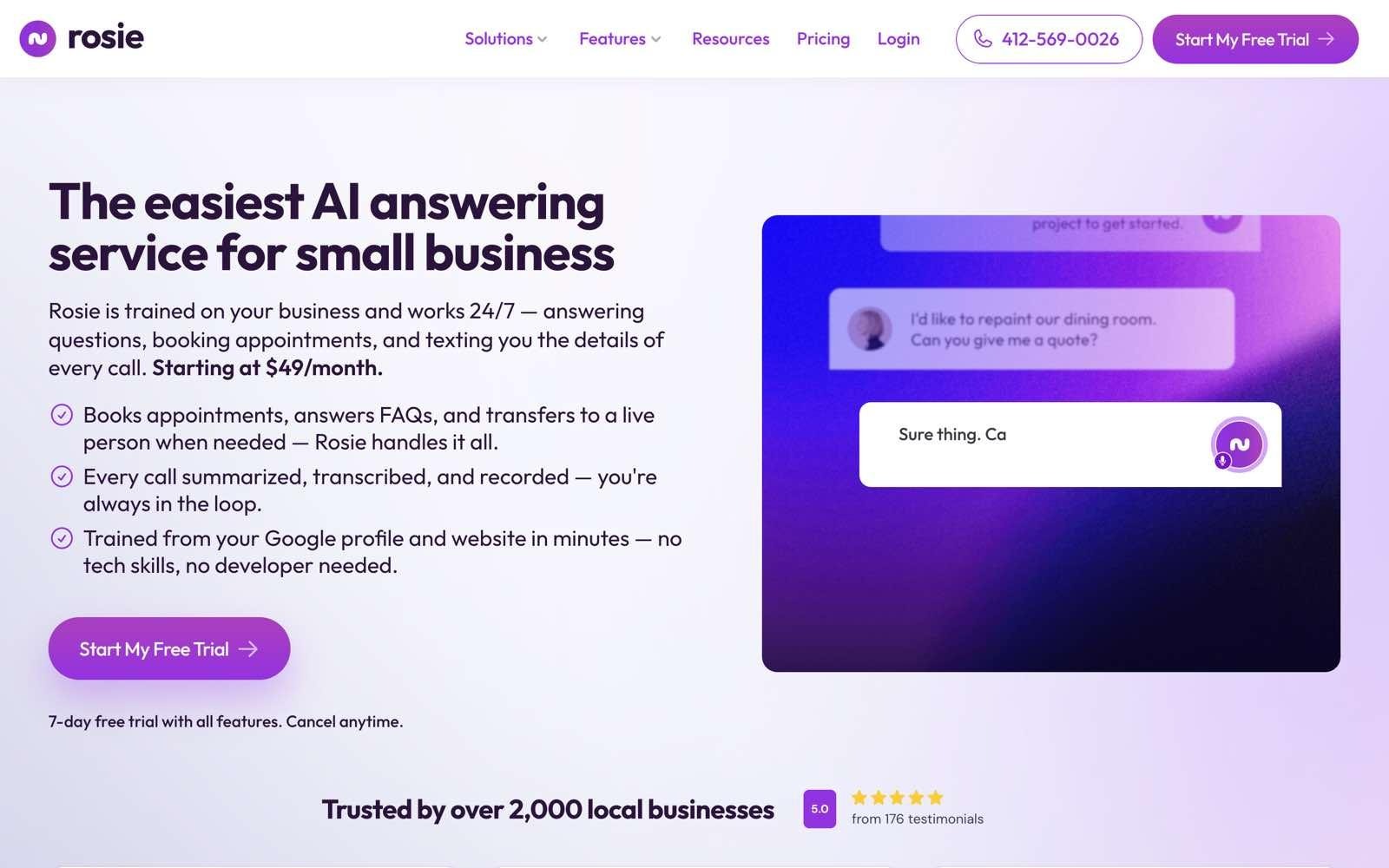
Rosie is an AI call answering service aimed squarely at small local businesses, answering questions, booking appointments, and texting the details of every call to the owner. It names home services, law firms, property management, construction, real estate, and several trades among its customers.
Setup is the pitch. Rosie learns hours, services, and basic information from your existing web presence in seconds, then gets refined with your own FAQs, which suits an owner who wants the phone covered this week.
Ideal For
- Solo operators and small local businesses that mainly need lead capture
- Trades and home services that miss calls while on a job
- Businesses wanting appointment links texted rather than calendars managed
- Owners who want a free trial and a low monthly entry price
- Teams needing basic English and Spanish coverage
Top Features
- Appointment links by text: The agent texts a booking link during or after the call, which converts better than a promised callback.
- Automatic spam detection: Nuisance calls are filtered before they reach anyone, which matters more than it sounds for a small team.
- Website chat included free: Chat comes with every plan rather than as an add-on.
- Call summaries, transcripts, and recordings: Every call arrives as a readable record by email or text, with iOS and Android apps included.
Why They Stand Out?
Rosie publishes the lowest entry price for a standalone AI receptionist on this list at $49 a month for 250 minutes.
It's built for a specific and common situation, which is a small business owner who cannot answer the phone while working, and it does that job without a configuration project.
Pros
- $49 entry price with a 7-day free trial
- Live within minutes rather than weeks
- Spam filtering and call summaries included on every plan
- Website chat at no extra cost
- English and Spanish handled as standard
Cons
- Warm transfers, live transfers, and mid-call texting only start at the $149 Scale plan
- No overage rate is published, so what happens past your minute cap isn't knowable in advance
- Integration depth is Zapier-first, with no published integration into a system of record
- No industry vocabulary, so it answers from the FAQ you wrote
- Aimed at small local businesses, so a multi-department team will outgrow the routing
Pricing
Rosie publishes three plans, which are Professional at $49 a month for 250 minutes, Scale at $149 for 1,000 minutes, and Growth at $299 for 2,000 minutes, all with a 7-day free trial. Transfers and mid-call texting begin at the Scale tier, so the $49 plan covers message taking with a booking link attached.
Website texting is a $50 a month add-on covering 25 conversations, with $1 for each one after that. No overage rate is published for exceeding your monthly minutes, which is the one gap in an otherwise clear rate card.
Final Verdict
Rosie fits a small local business that needs the phone answered today and mainly wants leads captured and appointments booked. It's a weaker fit once you need calls transferred properly, since that capability sits behind a plan three times the entry price, and once your callers ask about their own account, since Rosie has no way to look one up.
7. Slang AI™
Overview
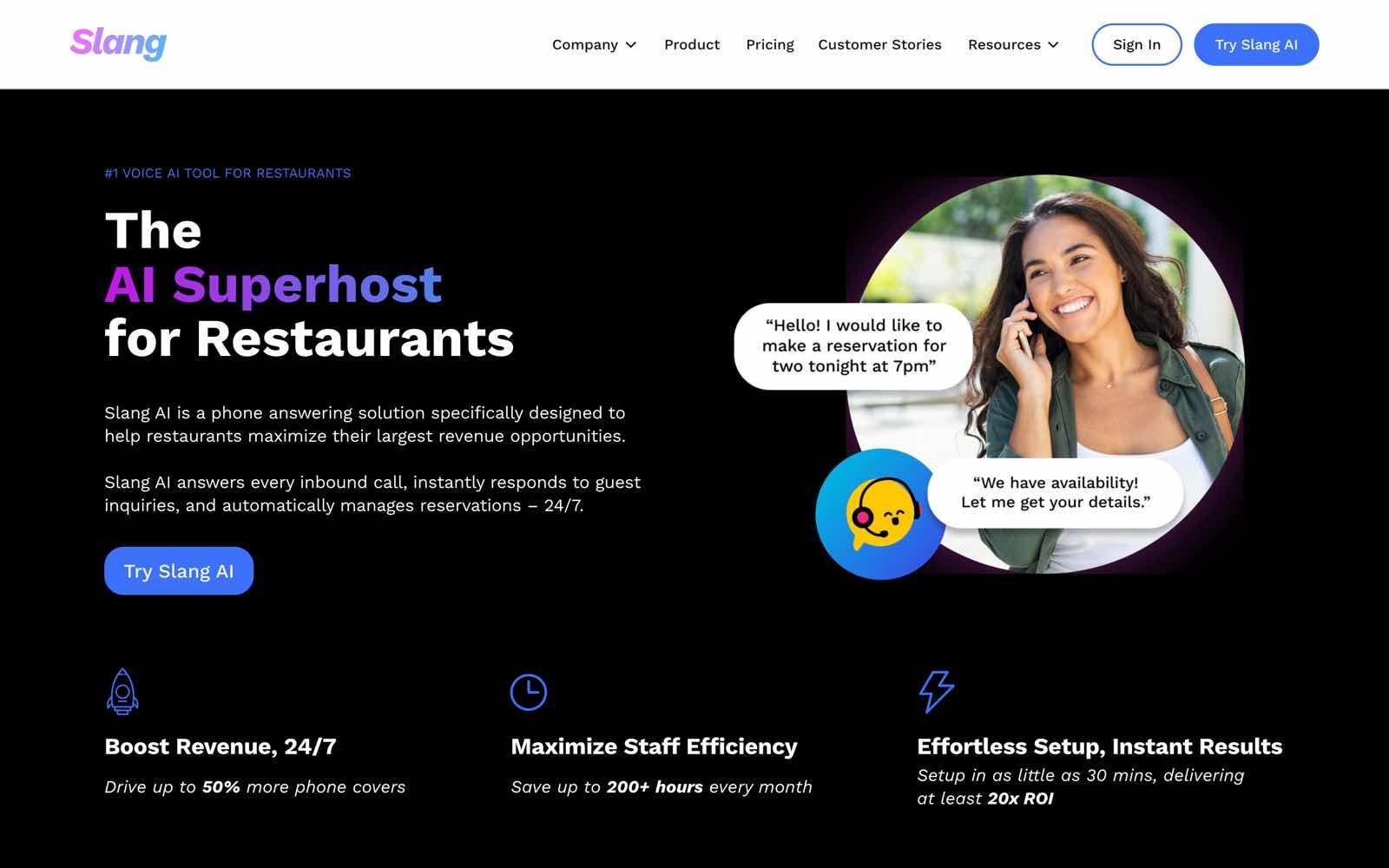
Slang AI is a vertical AI receptionist for restaurants, answering the phone to manage reservations, take special requests, and confirm bookings by text. It's included here because it demonstrates the point this list keeps returning to, which is that a product trained on one industry beats a generalist inside that industry's lane.
It plugs directly into restaurant reservation systems rather than a CRM, which is exactly the vertical pattern, just pointed at a different trade.
Ideal For
- Restaurants handling a high volume of reservation calls
- Multi-location restaurant groups standardizing phone handling
- Venues that need VIP callers recognized and handled differently
- Operators wanting reservations confirmed by text automatically
- Teams needing bilingual Spanish coverage on the Premium tier
Top Features
- Native reservation integrations: OpenTable, SevenRooms, Yelp, and Fishbowl connect directly, so bookings land in the system the floor already runs on.
- VIP call handling: Chosen callers are recognized and routed differently, which is the hospitality version of account-based routing.
- Special requests capture: Dietary notes and seating requests are collected on the call rather than lost.
- Reservation cross-selling and real-time alerts: The Premium tier adds upsell prompts and live notifications to staff.
Why They Stand Out?
Slang AI is a clear example of vertical voice AI outside insurance, because it integrates with the systems restaurants run and understands what a reservation call involves. That's the same argument this list makes for vertical products generally, and it's the reason a restaurant should not buy a generic receptionist.
Pros
- Purpose-built for restaurants, with reservation systems as native integrations
- VIP handling and special requests captured without configuration
- Text confirmations and call recordings with summaries on the entry tier
- Enterprise tier adds multi-factor authentication and single sign-on for larger groups
- White glove support included from the Core plan
Cons
- Built for restaurants, so the fit depends on being in hospitality
- Per-location pricing makes it expensive for small multi-site operators
- The entry price is high relative to generic AI receptionists doing simpler work
- Bilingual Spanish support requires the Premium tier
- No published integration into a system of record outside reservation systems
Pricing
Slang AI starts at $399 a month per location for the Core plan and $599 a month per location for Premium, with Enterprise priced custom. Core covers reservation management, text confirmations, call recordings with summaries, and the reservation integrations, while Premium adds custom branding, cross-selling, real-time alerts, and bilingual Spanish. Because pricing is per location, a five-site group is looking at roughly $2,000 a month on the entry tier.
Final Verdict
Slang AI is the right answer for a restaurant group where reservation calls are the phone problem, and it makes the case for vertical tools better than any generalist on this list can. It's worth studying rather than buying if you're outside hospitality, because the lesson transfers even though the product doesn't.
Its limitation is exactly its strength inverted, since a product this focused is built for one industry and doesn't travel outside it, and the per-location price makes it a real commitment even inside one.
8. Smith.ai™
Overview
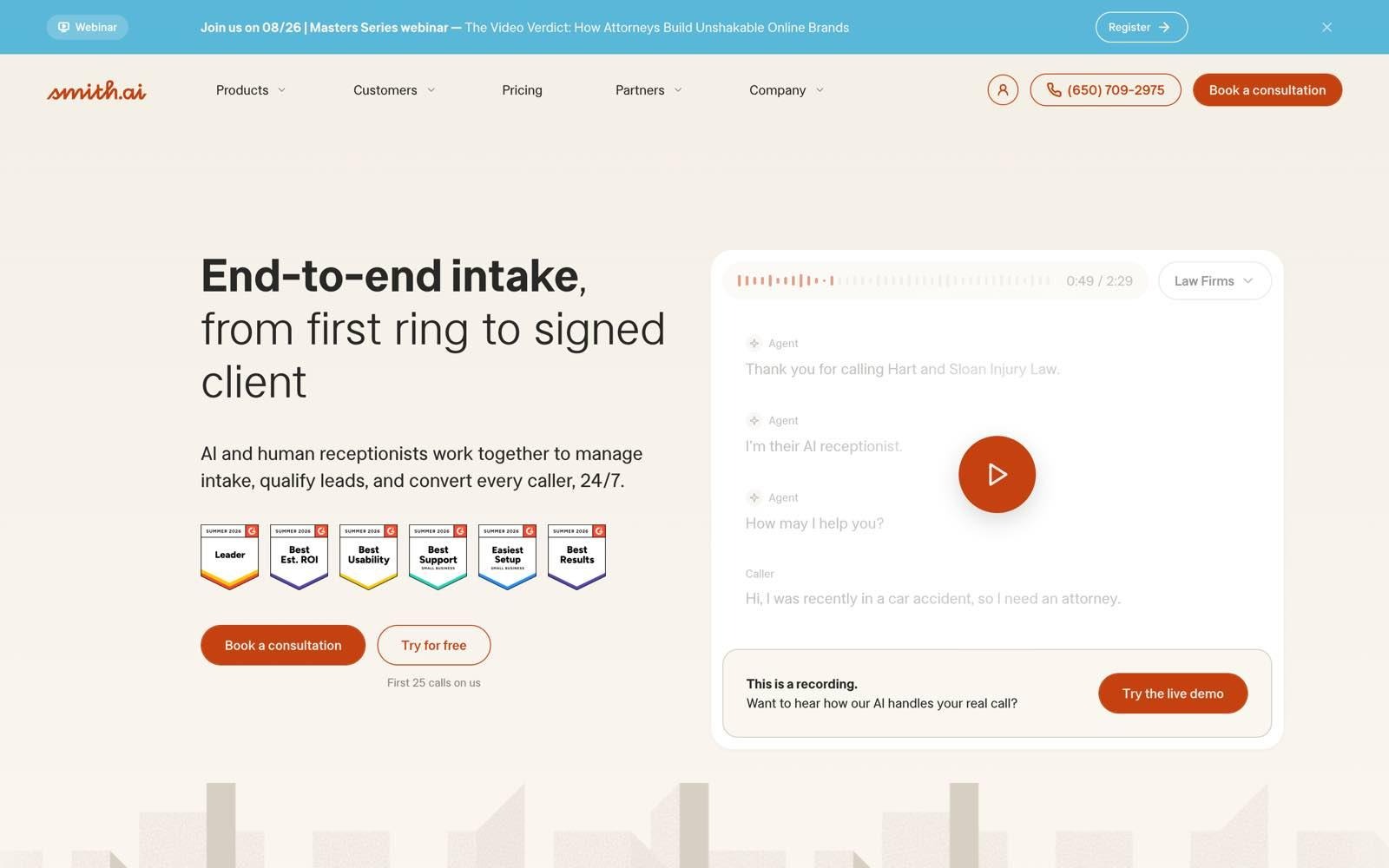
Smith.ai sells both an AI receptionist and a human virtual receptionist service, with the AI screening and qualifying and people available behind it. It's built for professional service firms that treat a mishandled call as a real risk, which is why law firms and medical practices show up so often in its customer base.
The hybrid model is the whole proposition. You get AI economics on routine calls with the option of a person on the ones that need judgment, and you pay for it per call rather than per minute.
Ideal For
- Law firms and professional services where call sensitivity is high
- Businesses wanting a human available behind the AI on any call
- Teams that prefer per-call billing to a minute counter
- Firms that want lead screening before a call reaches a partner
- Buyers who want a money-back guarantee before committing
Top Features
- Human fallback on every call: A live agent can take over, which no pure AI product on this list offers.
- Lead screening and qualification: Callers are qualified before they reach anyone, so partner time goes to real matters.
- Payment collection and appointment booking: The agent can take payment and book on your calendar during the call.
- No charge for spam: Nuisance calls don't count against your plan, which is a meaningful cost control at per-call pricing.
Why They Stand Out?
Smith.ai suits firms where a bad call is expensive, because the human backstop removes the failure mode that worries buyers most about AI answering.
It's also fully transparent about cost, publishing plan prices and per-call overage for both the AI and live-agent services. The trade-offs against an insurance-native agent are laid out in this Smith.ai comparison.
Pros
- Human agents available behind the AI, all US-based
- Published pricing and published per-call overage rates at every tier
- 30-day money-back guarantee and no setup fees
- Spam calls excluded from your plan count
- Same plan structure whether you choose AI or live agents, so switching is simple
Cons
- The most expensive model here at volume, since billing is per call
- Overage runs $8.50 to $11.50 a call depending on tier
- Receptionists are generalists, so industry-specific questions still route to your team
- No write-back into an industry system of record, so calls arrive as messages and summaries
- Free transfer destinations are capped at one on the entry plan
Pricing
Smith.ai publishes Starter at $300 a month for 30 calls, Basic at $810 for 90 calls, and Pro at $2,100 for 300 calls, with Enterprise custom. Overage is $11.50, $10.50, and $8.50 a call respectively, and the human virtual receptionist service is priced identically to the AI tiers.
All plans include 24/7 staffing, a 30-day money-back guarantee, and no setup fees. At 1,000 calls a month, Pro plus 700 overage calls works out around $8,050, which makes it the most expensive option here at that volume by a wide margin.
Final Verdict
Smith.ai earns its place for firms where a single mishandled call costs more than a year of software, and the human backstop is worth paying for.
It becomes hard to justify as soon as call volume is steady rather than occasional, since per-call billing rises with the volume you're trying to absorb.
9. Ruby™
Overview
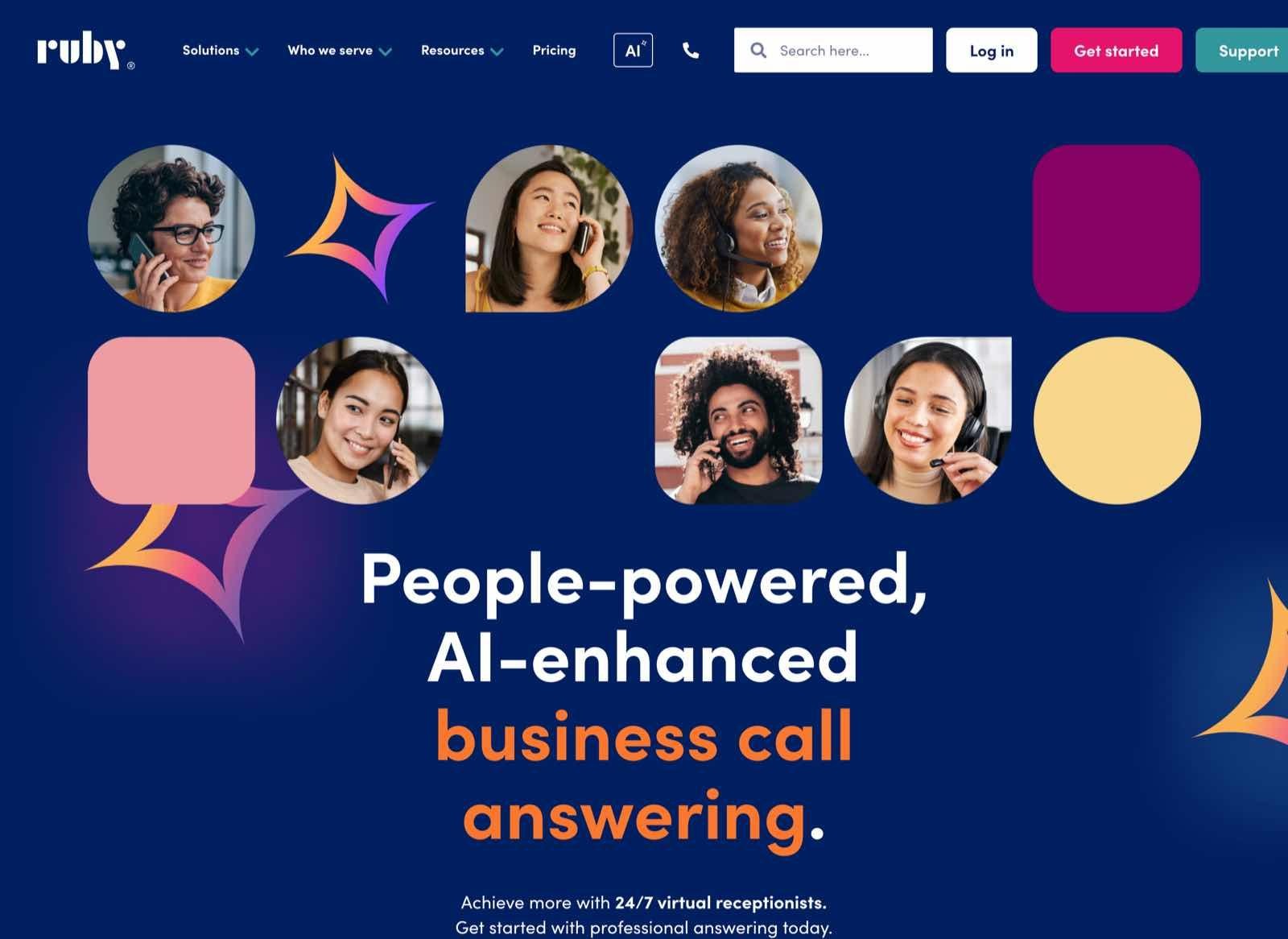
Ruby is a human answering service, with trained receptionists picking up under your business name around the clock. It's one of the established brands in this market, and it sells on the thing AI can't offer, which is a person on the line every time.
The economics are the trade-off. You're buying human minutes, so the cost per minute is an order of magnitude above AI pricing and the capability is bounded by what a person outside your business can know.
Ideal For
- Businesses whose callers expect a person and would react badly to AI
- Firms where a message and a warm greeting are the whole job
- Teams needing bilingual live answering without hiring
- Practices needing HIPAA-compliant call handling from a live agent
- Businesses wanting live chat and phone answering from one provider
Top Features
- 24/7 live receptionists: Real people answer under your name at any hour, with no AI in the path.
- Bilingual answering: Spanish-speaking callers reach a person rather than a language menu.
- Payment collection: Receptionists can take payment during the call.
- No hidden fees: No activation, onboarding, setup, or customization charges, which is unusual for the human-service category.
Why They Stand Out?
Ruby suits businesses where the human touch is a requirement rather than a preference, and it publishes pricing in a category that often doesn't. Bundling live chat with phone answering at a 20% saving also makes it a single vendor for both inbound channels.
Pros
- Real people on every call, 24/7, with no AI handoff
- Fully published pricing across four receptionist tiers
- No activation, onboarding, setup, or customization fees
- Bilingual answering and HIPAA-compliant handling included
- Chat and phone bundles save 20% over buying separately
Cons
- Priced per human minute, at $3.45 a minute on the 500-minute tier
- Calls are handled by a pooled team, so a caller won't reach the same person each time
- Receptionists work from your instructions rather than your client records, so anything past a name and number comes back to your team
- The top published tier is 500 minutes, so higher volume needs a custom arrangement
- Message taking means the request is recorded rather than completed, so your team still does the work
Pricing
Ruby publishes virtual receptionist plans at $250 for 50 minutes, $395 for 100 minutes, $720 for 200 minutes, and $1,725 for 500 minutes a month, with no activation, onboarding, setup, or customization fees.
Live chat is sold separately at $143, $335, and $520 a month for 10, 30, and 50 chats, with bundled plans saving 20%.
The effective rate runs from $5 a minute at the entry tier down to $3.45 at 500 minutes, and a business using 3,000 minutes a month is well past the published card and into a custom quote.
Final Verdict
Ruby is the right choice when your callers expect a person and a courteous message is all the call needs to produce. It's a weaker fit once your callers want something completed rather than noted, since an outside receptionist can't open your systems, and the economics tighten well before that if your call volume is steady. For most businesses comparing this against an answering service cost breakdown, you're paying for the human touch rather than for the request being finished on the call.
10. Synthflow™
Overview
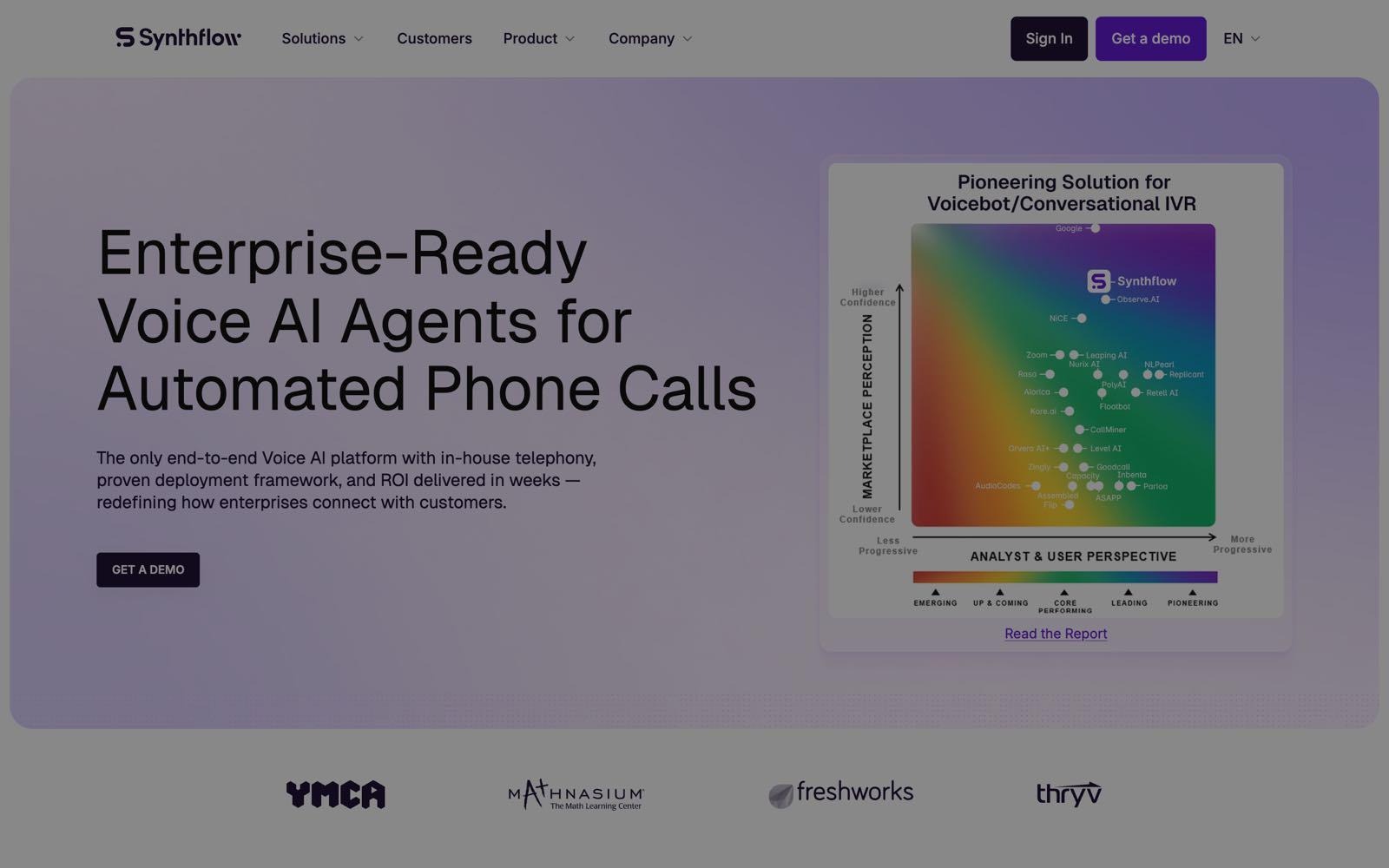
Synthflow is voice AI infrastructure for teams that want to build and own their agent rather than buy one configured. It handles telephony, concurrency, routing, escalation, and fallback logic, and connects to whatever systems you point it at through APIs and webhooks.
It has moved firmly upmarket, and the pricing now reflects that. This is infrastructure with a launch programme attached, not a tool an office manager sets up.
Ideal For
- Companies with in-house engineers who want to own the agent
- Organizations with call flows too unusual for an off-the-shelf product
- Teams that need custom concurrency planning and escalation paths
- Buyers with security reviews requiring HIPAA and ISO 27001
- Businesses running high volume across multiple countries
Top Features
- Any integration you can build: CRM, calendar, contact-centre stack, webhook, API, and knowledge-source connections, limited by your engineering time rather than a connector list.
- Custom routing and fallback logic: Concurrency planning, escalation paths, handoffs, and fallback behavior are all designed rather than configured.
- Telephony flexibility: Native telephony, SIP trunking, or your own approved enterprise carrier.
- Implementation programme included: Onboarding, testing, training, launch support, and ongoing tuning come with the contract.
Why They Stand Out?
Synthflow suits teams that need a voice agent doing something no product ships out of the box, and it operates at scale with more than 65 million voice calls a month across 30-plus countries. Its compliance coverage is the broadest here, holding SOC 2, GDPR, HIPAA, and ISO 27001.
Pros
- Complete control over how the agent behaves and what it connects to
- Broadest published compliance set on this list
- Enterprise service level agreement (SLA), implementation, and ongoing tuning included
- Proven at high call volume across many countries
- Telephony choice rather than a single forced path
Cons
- Starts at $30,000 annually, which rules it out for most businesses on this list
- You build the domain knowledge, and you maintain it as your business changes
- Requires in-house engineering capacity, which is what many buyers are shopping to avoid
- Time to value is measured in months rather than weeks
- Final pricing is scoped rather than published, so budgeting needs a sales conversation
Pricing
Synthflow publishes a single Enterprise plan starting at $30,000 annually, with final pricing scoped around call volume, concurrency, telephony setup, integrations, security needs, and launch support.
That figure includes an enterprise SLA, implementation, onboarding, testing, training, launch support, and ongoing tuning, so it isn't a bare software licence. There is no self-serve tier and no per-minute entry point on the current rate card.
Final Verdict
Synthflow is the right answer when your call handling can't be bought, you have engineers to build it, and $30,000 a year is a rounding error against what the workflow is worth. For everyone else it asks you to build what a packaged product already ships, using engineering time you may have been shopping to avoid spending.
The knowledge problem is the one that lasts, since the agent only ever knows what your team taught it and keeps teaching it.
How to Choose the Best AI Receptionist (What to Consider)?
Most buyer's guides in this category compare voice quality and starting price, which are the two things every demo is designed to show well. The eight checks below are the ones that separate products that answer the phone from products that finish the work, and they're worth putting to every vendor on your shortlist.
They also track what agencies say worries them, since the ACT Tech Trends Report found 24.1% worry about data privacy and compliance and 22.5% worry about inaccurate outputs.
Sonant's AI Buyer's Guide sets out the full 14-question version if you want a scoring sheet to run the evaluation against.
1. Pick the Category Before You Pick a Vendor
Owners tend to phrase this as voice AI versus an answering service versus hiring another CSR, and that's the right question in the wrong order. Decide which of the six groups you're shopping in before you compare products, because the group sets the ceiling.
A phone-system add-on will never read your client record, a human service will never write a task into your system, and a build-your-own stack will never arrive knowing your industry. Work out which of those three limits you can live with, and the shortlist usually drops from 20 names to three.
2. Ask Whether It Reads Your System of Record, Not Just Writes to It
Write-back is only half of an integration, and it's the half everyone demos. The direction that changes a caller's experience is the read, because that's what lets the agent answer a renewal date or a coverage question at 9pm instead of promising a callback.
Ask the vendor to show the agent opening a record live on a call, and treat a transcript dumped into your CRM afterwards as a different and much smaller thing. How AMS write-back works in practice is worth understanding before the demo, not during it.
3. Test Whether It Completes the Request or Only Records It
The clearest test of an AI receptionist is what your team has to do after the call ends. A tool that captures a servicing request and emails it has moved the work, not removed it.
Ask what percentage of calls end without a human touching them, ask what the agent can complete on its own, and ask to see the resulting record in the system your team opens each morning.
4. Test the Transfer, Especially the Transfer That Fails
Every vendor demos a clean handoff. Ask what happens when the person the call is being transferred to doesn't pick up, because that's the moment some products hand the caller back to the opening greeting rather than picking up where the conversation left off.
Ask whether the transfer is aware of calendars and out-of-office status, and whether a caller who rang yesterday is recognized today.
5. Run a Domain Knowledge Test on the Demo Call
Ask the agent a question a new hire in your industry would get wrong. In insurance, that's the difference between a certificate of insurance and a declarations page, or what happens to a policy in a lapse window.
A tool without domain training will usually answer anyway, and a confident wrong answer is harder to catch than no answer, which is why caller identity verification and guardrails belong on the checklist rather than in the appendix.
6. Price It Against Your Real Call Volume, Not the Headline Plan
Every entry price in this market is attached to a bundle, and the bundle is where the cost lives. Work out your actual monthly minutes or calls, then apply each vendor's overage rate to the difference.
The table below runs that arithmetic for 1,000 inbound calls a month at an average of three minutes, which is 3,000 minutes.
Two things fall out of that table. The cheapest headline price produces one of the higher bills at volume, and the models that don't move with volume are the only ones you can budget for. Whether per-minute or flat-rate pricing suits you comes down to how predictable your call pattern is.
7. Ask for the Security Evidence, Not the Badge
A logo on a homepage isn't a control. Ask for the SOC 2 Type II report rather than the badge, ask where data is stored and for how long, ask for the subprocessor list, and ask for the data processing agreement.
If your callers share account numbers, dates of birth, or payment details on the phone, that conversation is now inside a vendor's systems, and SOC 2 compliance is the floor rather than the finish line.
8. Start Narrow, Then Widen
The lowest-risk way into this category is to give the AI the calls that currently go to voicemail, which means overflow and after hours, and leave everything else untouched. There's no cutover moment, nothing for staff to relearn, and after a month you have your own recordings to judge instead of a vendor's demo.
Most teams widen from there once they've heard how their own callers respond, and knowing the typical AI receptionist setup time helps you plan that first phase properly.
Everything You Need to Know About AI Receptionists
The ratings below score each product against the six criteria in our methodology on a scale of one to five stars. Integration reflects both directions, meaning whether the tool reads your record live and whether the outcome lands back in it.
Onboarding covers how fast the tool answers a live call and whether help is included afterwards, and value at volume reflects what you pay at a real monthly call count rather than at the entry price, which is why a flat rate scores above a cheap plan with a minute cap.
If you're weighing this against the alternative you already have, the honest comparison is with whoever answers today, and whether callers accept AI receptionists is a question with published data behind it rather than a matter of opinion.
Answer Every Agency Call With Sonant
The calls stacking up on your general line are quotes, renewals, payments, and claims, and the ones that ring out don't call back to tell you. Sonant answers them on the first ring, verifies who's calling, opens the account in your AMS while the conversation is still live, captures the request properly, and writes the activity back to the right file before your team opens it in the morning.
To put this into perspective, Firefly Network cut manual call routing by 90% across 200-plus branches after its receptionist retired, taking monthly transfers from roughly 200 down to 20, and O'Connor Insurance, an 11-person North Carolina agency handling 700-plus calls a month, reported 8X ROI on monthly spend and 58-plus hours freed every month inside the first 30 days.
Setup runs under 30 days with onboarding, configuration, and support included, there's no script for your team to write, and the rate doesn't move when call volume does.
Disclaimer:
All product names, logos, and brands are property of their respective owners. Liberate™, RingCentral™, CloudTalk™, Goodcall™, Rosie™, Slang AI™, Smith.ai™, Ruby™, and Synthflow™ are trademarks of their respective companies. No affiliation, endorsement, or sponsorship is implied. Product features, pricing, and availability are current as of August 2026 and subject to change; verify with each vendor before making a purchase decision.






.svg)

.svg)


